Contact Support & Share Function Logs
Our customer support is available via the in-app chat widget. Support is generally available only during weekdays from 9 to 5 PM UK time.
To help speed your query, please send as much relevant information as possible, including screenshots.
If you wish to contact us via email, please send your questions to help@appfleece.com.
If you have a support request, we might ask for permission to access your store or to share function logs with us.
Store access
Section titled “Store access”We will send you a request for partner access. You can accept it in either of these ways:
- Email — Shopify sends a message to your store’s contact email with a link to grant access.
- Users and permissions — In Shopify admin, go to Settings → Users and permissions. The request appears under our partner organization name, Appfleece.
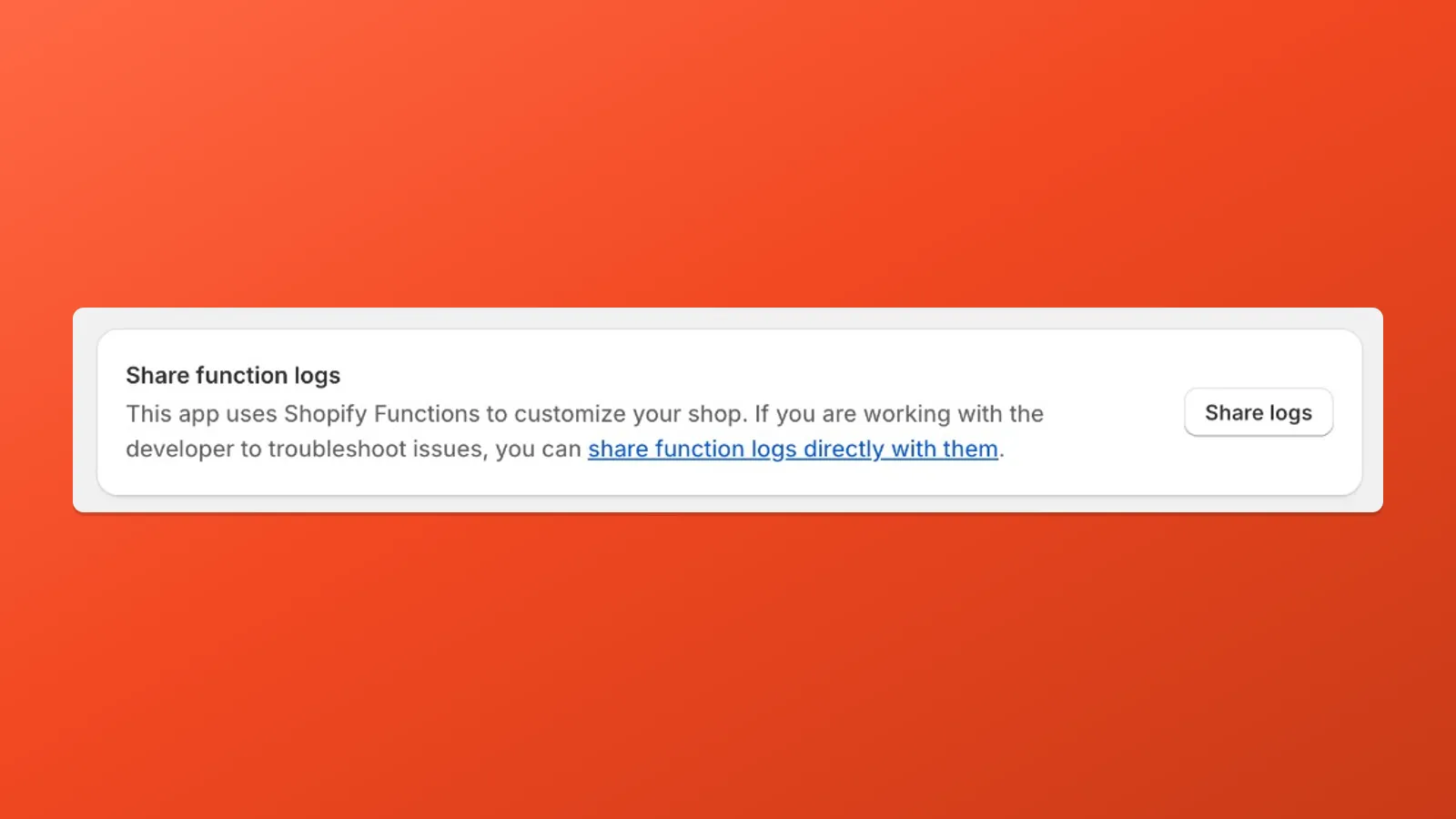
Share function logs
Section titled “Share function logs”- Go to Settings - Apps and sales channels and open Payflow
- Scroll down and click on Share logs under Share function logs