Rename Shipping for B2B or Tagged Customers
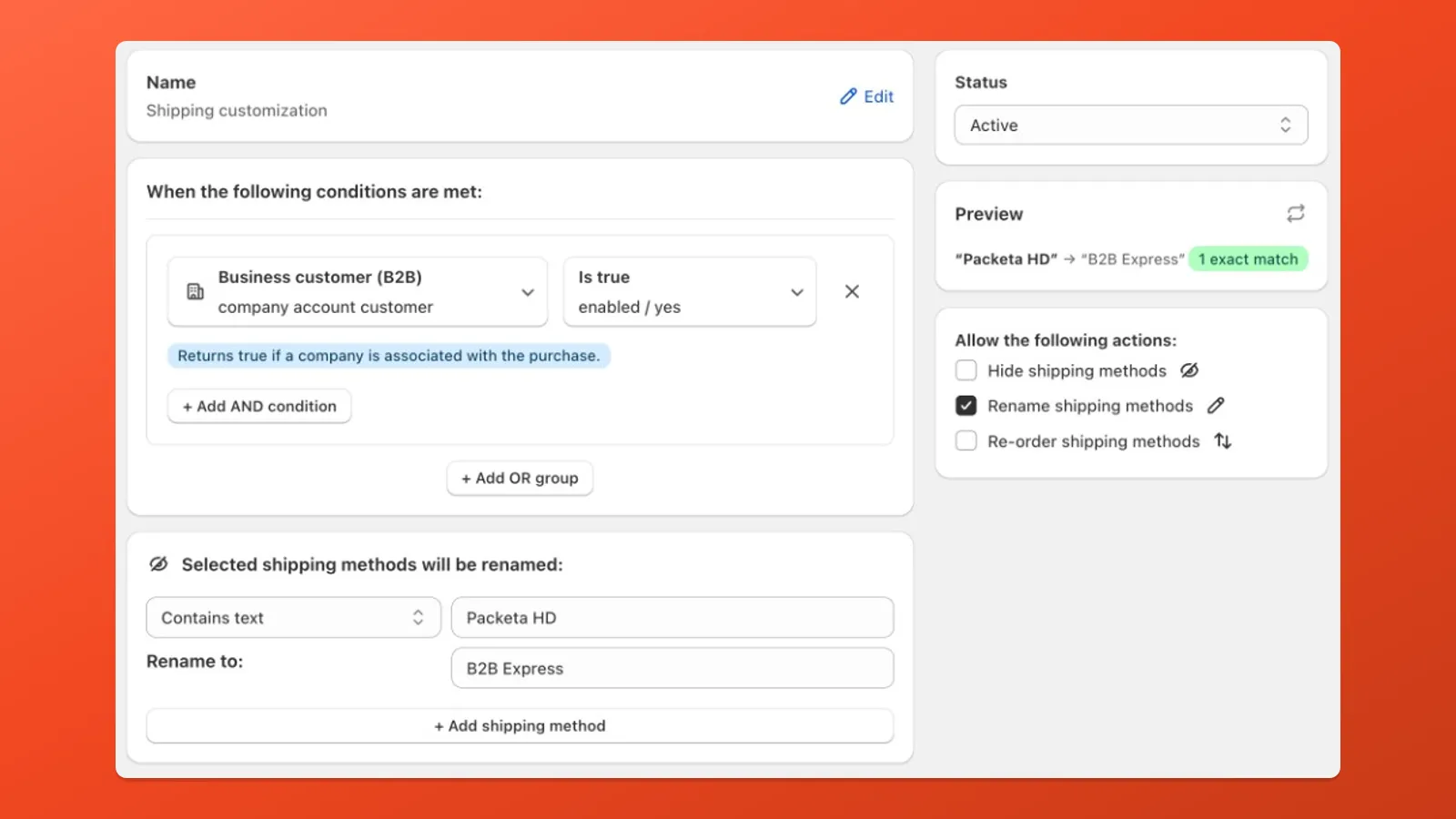
Pair Customer (B2B, Customer tag, etc.) with Rename so wholesale shoppers see different rate titles without changing the underlying Shopify rate.
- Create customization > Rename shipping methods.
- Add a Customer condition → operator and values (e.g. Customer is B2B Is true, or Customer tag Is one of → your tag).
- Rename → target the rate (Contains text or Store rates) → Rename to the B2B-facing label.
- Active, Save, and verify at checkout.
Related
Section titled “Related” Delivery Customization guide Hide, rename, and reorder shipping rates and how targeting modes work.
Payment Customization guide Payment-side hide, rename, and reorder for B2B or tagged customers.
Customer conditions B2B, tags, company name, and more.